


In today’s fast-paced digital world, companies often manage multiple products, apps, or websites. Keeping a consistent look, feel, and user experience across all of them can be challenging. This is where a design system comes in—a centralized set of reusable components, guidelines, and tools that ensure uniformity and efficiency. When built to scale, a design system grows with your business, saving time, reducing errors, and improving collaboration.
This guide explores what makes a design system scalable, real-world examples, best practices, and how partners like RUDE LABS can help your team implement one effectively. Whether you’re a startup expanding product lines or an enterprise unifying brands, scalable design systems are key to long-term success.
What Is a Scalable Design System?
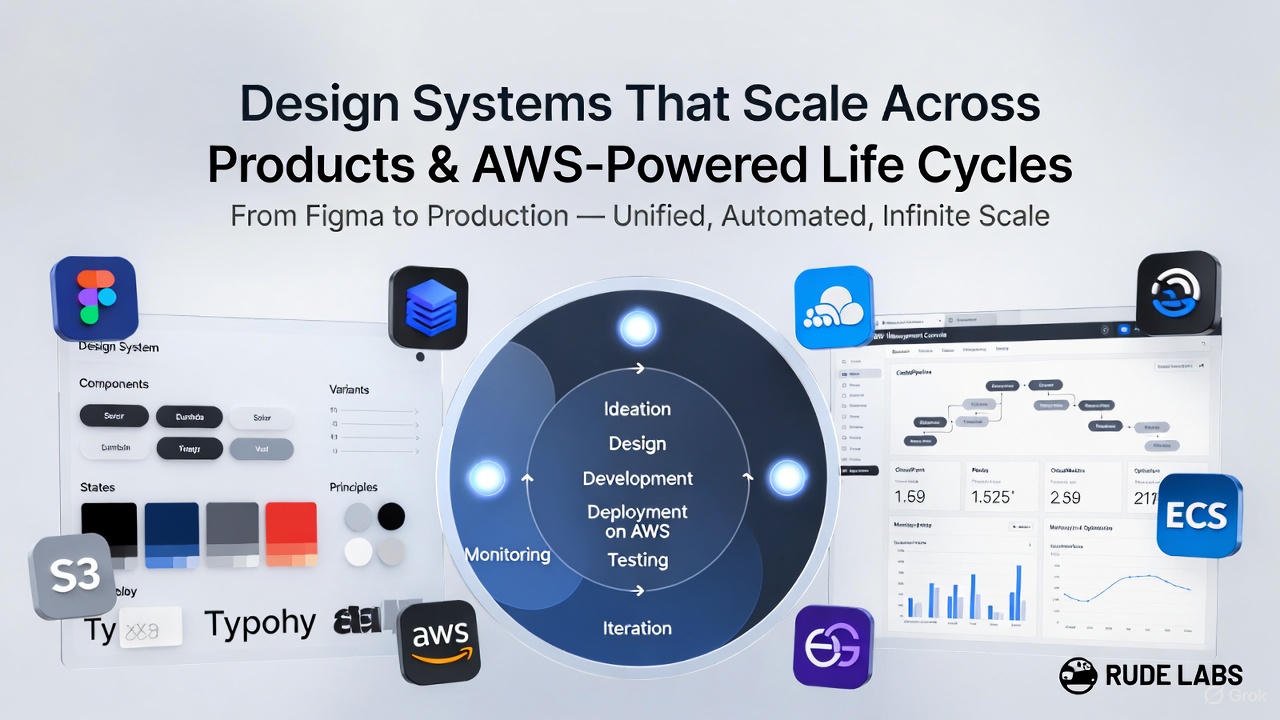
A design system is more than a style guide or component library. It’s a living framework that includes:
- UI Components: Buttons, forms, cards, and navigation elements.
- Design Tokens: Core values like colors, typography, spacing, and elevations.
- Guidelines: Usage rules, accessibility standards, and best practices.
- Tools and Documentation: Code repositories, design files, and contribution processes.
Scalability means the system adapts as your products increase in number, complexity, or team size. It prevents “design debt” where inconsistencies creep in, leading to rework and frustrated users.
Why Scalability Matters
- Consistency: Users expect the same experience across your app, website, and tools.
- Efficiency: Teams reuse assets instead of rebuilding from scratch.
- Speed: Faster launches for new features or products.
- Collaboration: Designers, developers, and product managers work from the same source of truth.
According to a 2023 Figma report on design operations, teams with mature design systems ship features 47% faster. Scaling ensures these benefits compound as your portfolio grows.
Core Principles for Building Scalable Design Systems
1. Start with Design Tokens
Design tokens are the atomic building blocks—named variables for colors (e.g., –primary-blue: #007BFF;), typography, and spacing. They decouple styles from components, making updates effortless.
- Benefit for Scaling: Change a token once, and it updates everywhere—across web, mobile, and even email templates.
- Example: Shopify’s Polaris system uses tokens to maintain consistency across admin dashboards, storefronts, and apps.
2. Modular and Reusable Components
Build components that are flexible yet constrained. Use variants for states (hover, disabled) and slots for content.
| Component Type | Examples | Scaling Tip |
|---|---|---|
| Atomic | Buttons, Icons | Keep simple; avoid over-customization. |
| Molecular | Cards, Forms | Compose from atoms; support themes. |
| Organismic | Headers, Footers | Allow overrides for product-specific needs. |
This modularity allows teams to mix and match without breaking the system.
3. Governance and Contribution Model
Assign owners for the system but enable contributions via pull requests or design reviews.
- Centralized Core Team: Manages tokens and core components.
- Decentralized Adoption: Product teams extend with approved patterns.
- Tools: Use Figma for design, Storybook for development previews, and Git for version control.
IBM’s Carbon Design System thrives on open contributions from thousands of developers, ensuring it evolves with diverse products.
4. Cross-Platform Compatibility
Support web (React, Vue), mobile (iOS, Android), and emerging platforms like VR.
- Implementation: Use token exports in CSS, JSON, or platform-specific formats.
- Testing: Automated visual regression tests catch breaks early.
Atlassian scales its design system across Jira, Confluence, and Trello by prioritizing web-first but with native bridges.
5. Documentation and Onboarding
Clear docs reduce adoption barriers. Include code snippets, Figma files, and “do/don’t” examples.
- Scalability Hack: Auto-generate docs from code (e.g., via Docz or Docusaurus).
- Metrics to Track: Adoption rate, component reuse percentage, time saved per sprint.
Real-World Examples of Scalable Design Systems
- Airbnb: Their design language system (DLS) unified experiences across web, iOS, Android, and internal tools. It reduced design time by 50% as they expanded into experiences and payments.
- Google Material Design: Evolved from Android to web and beyond. Version 3 introduces personalization while maintaining core principles, supporting millions of apps.
- Salesforce Lightning Design System (SLDS): Handles enterprise complexity with themes for different clouds (Sales, Service). It scales to custom apps via Lightning Web Components.
These systems succeed by treating the design system as a product itself—with roadmaps, user feedback (from internal teams), and regular updates.
Common Challenges and Solutions
| Challenge | Solution |
|---|---|
| Team Resistance | Start small with a pilot project; demonstrate ROI through metrics. |
| Version Conflicts | Use semantic versioning; deprecate old components gracefully. |
| Performance Overhead | Optimize bundles; lazy-load non-critical components. |
| Accessibility Gaps | Bake in WCAG compliance from day one; audit regularly. |
Research from the Design Systems Survey 2024 shows 68% of teams face governance issues—solved by clear roles and communication.
How RUDE LABS Can Help You Achieve a Scalable Design System
RUDE LABS specializes in design operations and system implementation for mid-sized to enterprise teams. We don’t just consult—we build and maintain systems tailored to your growth.
- Audit and Strategy: We assess your current assets, identify gaps, and create a roadmap for multi-product scaling.
- Token and Component Development: Our experts define robust tokens and build a library in your stack (Figma, React, etc.).
- Governance Setup: Implement contribution workflows, training sessions, and adoption trackers.
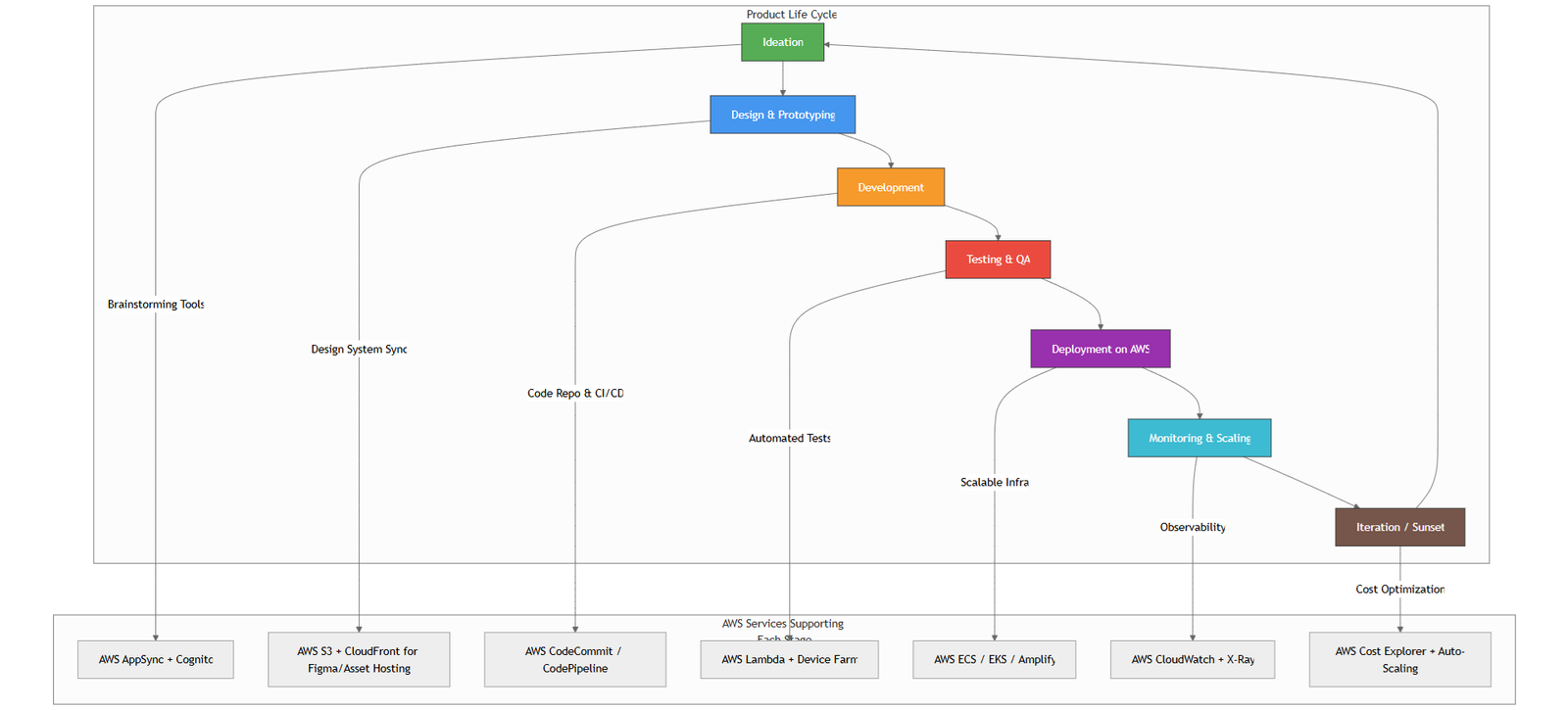
- Integration Services: Seamlessly connect to CI/CD pipelines, ensuring updates deploy across products without downtime.
- Ongoing Support: Quarterly audits, updates for new platforms, and performance optimizations.
Clients like e-commerce platforms have seen 30-40% faster feature delivery after partnering with RUDE LABS. Contact us at rudelabs.ai/contact to schedule a free scalability assessment.
What is the difference between a design system and a UI kit?
A UI kit is a static collection of components. A design system includes guidelines, tokens, processes, and evolves over time for scalability.
How long does it take to build a scalable design system?
For a small team: 3-6 months for MVP. Enterprise scale: 6-12 months with iterations. RUDE LABS accelerates this to 2-4 months with proven templates.
Can design systems work for non-digital products?
Yes—extend to print, packaging, or physical interfaces with shared tokens and brand guidelines.
Is open-source better for scaling?
It depends. Open-source (like Material) aids community contributions but requires strong governance. Proprietary systems offer more control.
How do we handle product-specific customizations?
Use “themes” or “extensions” that inherit from the core system. Approve via governance to prevent drift.
Ready to scale your design efforts? Start auditing your components today or reach out to RUDE LABS for expert guidance.